Create Field
note
WebForms Lite supports up to 10 fields per form. The Add Field button will be disabled once you reach the limit.
To add field to the form press Add Field button in the form edit screen.

After that you will be redirected to the field edit screen.
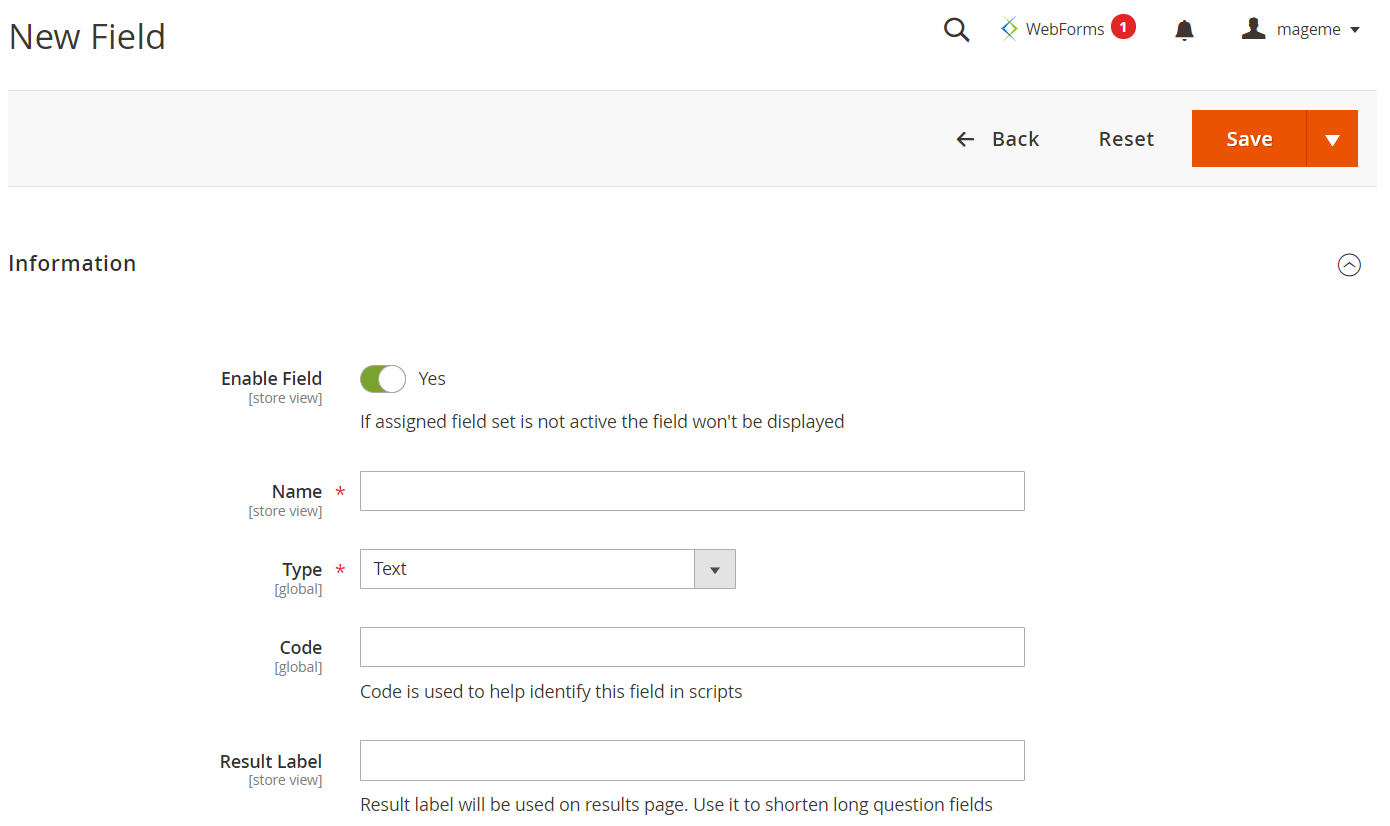
Enter the field name, select input type and click Save button.
Field action buttons
Back Return back to the web-form without saving.
Reset Reload the field edit page with initial data.
Save Save field and stay on the current page.
Save & New Save current field and create new.
Save & Duplicate Save current field and create duplicate with the same configuration.
Save & Close Save the field and go to the form edit page.
info
For more information about the field parameters please proceed to the Field Parameters documentation page.